Indoor Navigation API Without Beacons: A Developer Integration Guide
Build indoor wayfinding experiences without deploying Bluetooth beacons. Explore how IGC Nav combines sensor-fusion techniques, reusable checkpoints and navigation endpoints, and what developers should evaluate before integrating.
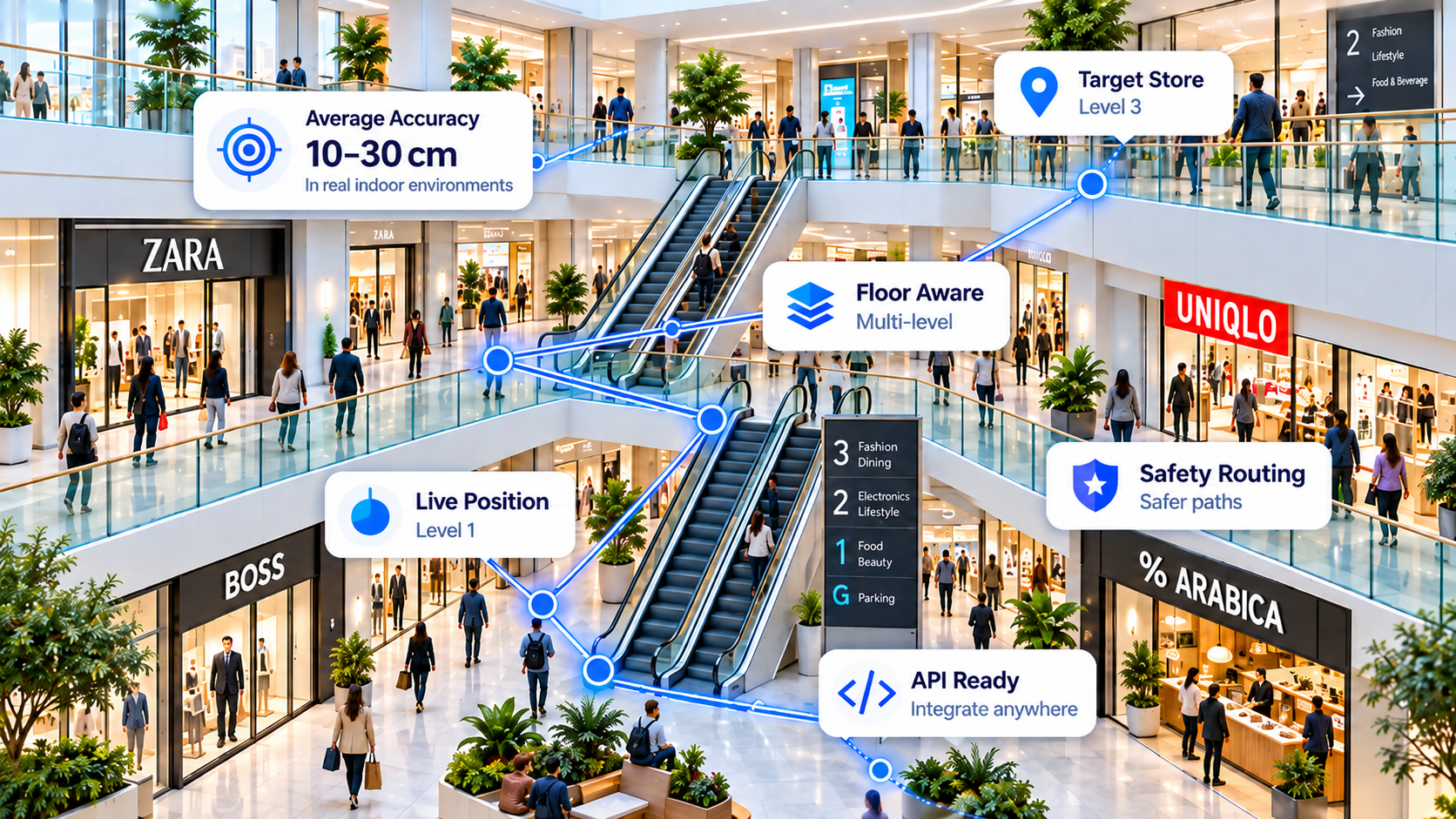
How does beacon-free indoor navigation work?
GPS signals often become unreliable inside buildings. An indoor navigation system can estimate movement from phone sensors and correct accumulated errors with location cues. IGC Nav's Fusion approach combines available motion and environmental signals with checkpoint-based corrections, subject to device compatibility, environment and deployment setup.
Use motion signals such as accelerometer and gyroscope readings to infer steps, heading and movement. Pedestrian dead reckoning (PDR) can help bridge gaps in satellite positioning.
Reusable reference checkpoints, including visual cues where configured, can help recalibrate estimates that otherwise drift over time.
Floor-change inference and route constraints can help users navigate lifts, stairs and escalators when supported by deployment data and the target device.
Why reusable checkpoints matter
Continuous positioning based only on inertial sensors accumulates uncertainty. A recognised checkpoint provides a new reference point. The resulting navigation experience depends on checkpoint coverage, recognition reliability, device sensors and venue conditions.
IGC Loyalty's location-based experiences provide a potential channel for collecting and refining reusable location references. Checkpoint coverage and the quality of each reference still need to be validated before relying on them for production navigation.
How to integrate an indoor navigation API
- Review the live endpoint specification. Start with IGC Nav API documentation for currently supported routes, request parameters, authentication and responses.
- Create a developer account. Register for an API key and review free-tier allowances before testing.
- Define your application flow. Decide how you capture destinations, display route guidance, handle floor changes and communicate positioning uncertainty.
- Test representative devices. Check sensor support and behaviour in corridors, atriums, lifts, stairs and locations with poor GPS reception.
- Validate before release. Measure route completion, drift, floor classification and positioning error against surveyed or otherwise trusted reference points.
The service is positioned as an API for different development environments, including Flutter, React Native, Unity, native mobile apps and web-backed systems. Integration details and which client-side capabilities are available depend on the live API and each application's runtime and sensor access. Do not assume a dedicated SDK is available for every framework.
Build your own engine or integrate a navigation API?
| Engineering task | Build in-house | Use an API platform |
|---|---|---|
| Sensor fusion and drift management | Implement, test and maintain algorithms | Review supported positioning capabilities; integrate and validate |
| Multi-floor logic | Design sensor and transition handling | Use supported services and supply required venue context |
| Reference checkpoints | Build capture, quality control and updates | Evaluate IGC checkpoint workflows and coverage |
| Operations | Host, maintain and monitor services | Use available API and account tooling; confirm SLAs |
| Delivery effort | Depends on scope, team and accuracy target | May reduce algorithm development; still requires integration and field testing |
An API can reduce engineering workload, but no navigation service removes the need to test accuracy, safety constraints and user experience at your actual venue.
Where can indoor navigation APIs help?
Relevant use cases include shopping centres and retail destinations, warehouses, hotels, airports, visitor attractions, large office buildings and healthcare campuses. Each requires different route restrictions, device testing and venue readiness; safety-critical guidance needs additional independent validation.
Indoor navigation API FAQs
Does indoor navigation require Bluetooth beacons?
Not always. Software-based methods can use inertial motion data, visual references and other environmental cues. Their performance varies with the phone and deployment context.
Can I use the API with Flutter, Unity or React Native?
Applications built in multiple frameworks can call documented HTTPS APIs where the environment supports them. Check the current API documentation for supported functions; a REST API does not automatically imply that every framework has a native SDK.
How accurate is beacon-free positioning?
Accuracy is not a universal fixed number. It depends on the device, reference data, sensor quality, calibration and venue. Any quoted IGC Fusion accuracy should be considered deployment-specific until backed by published repeatable tests.
Do I need a floor plan or venue data?
Requirements depend on the navigation feature. Route computation and safe, accessible paths typically require a representation of navigable areas and transition points even when physical beacons are unnecessary. Confirm current setup requirements with IGC Nav.
How do developers get started?
Read the API reference, sign up for a free account, build a minimal test flow and validate it at a real venue before production use.
Start building with IGC Nav
Explore the public API reference, start with the free tier or discuss your venue requirements with the team.
Technical deep dive: How sensor fusion and reusable visual checkpoints reduce indoor positioning drift →