Indoor Navigation APIs Across Flutter, Unity, React Native, Native Mobile and Web
Building an indoor navigation experience should not require adopting a single programming framework. Learn how to structure a cross-platform indoor positioning integration, which responsibilities stay on-device, and what to verify before connecting to IGC Nav APIs.
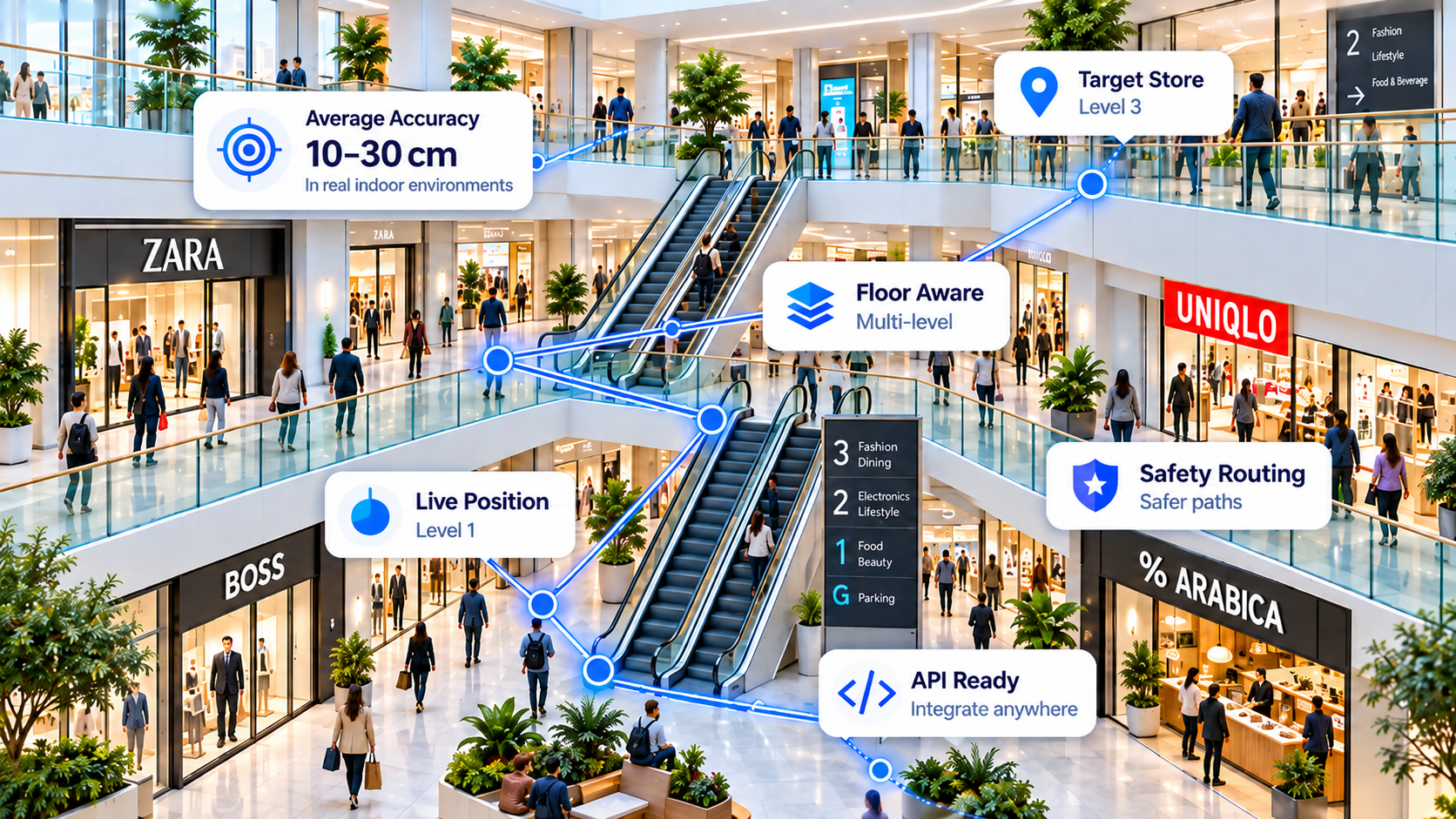
Why choose an indoor navigation API instead of a framework-specific SDK?
An indoor navigation API exposes navigation functionality through a documented service interface. A developer can use an HTTP client appropriate to the application instead of rebuilding every server-side component for each frontend. That is especially helpful for organisations supporting more than one mobile or web application.
An API is not the same as an SDK. An SDK may handle on-device sensors, permissions, data collection and native UI. A REST API provides network-accessible operations only. Indoor positioning frequently requires both a client-side motion and location data pipeline and server-side services. The exact split must be established from the current API documentation.
Use standard HTTP tooling to connect supported applications to a common backend where the API contract allows it.
Keep the map, accessibility controls, routing visuals and notifications suited to each platform.
Confirm real endpoints, authentication and sensor-data formats before claiming an integration is supported.
Which development technologies can use navigation APIs?
Most mainstream development environments can send HTTPS requests. This makes cross-platform navigation integration a practical architectural option, but it does not guarantee that every IGC Nav feature or sensor pipeline works identically on every environment. The following are implementation considerations, not claims that IGC publishes dedicated SDKs for each platform.
| Environment | API integration approach | Important platform considerations |
|---|---|---|
| Flutter / Dart | Dart HTTPS client for documented endpoints | Check plugin and native-platform support for accelerometer, gyroscope, camera, location permissions and background use. |
| React Native / JavaScript / TypeScript | Fetch or equivalent networking library | Validate native sensor modules, camera permissions and operating-system lifecycle limitations. |
| Unity / C# | UnityWebRequest or equivalent | Consider game-engine coordinates versus real-world coordinates, device sensors, scene updates and frame rates. |
| Native Android / Kotlin / Java | Standard Android HTTP client | Android sensor availability, foreground services, runtime permissions and manufacturer variations. |
| Native iOS / Swift | URLSession or equivalent | Core Motion and location permission design, background limits, privacy disclosures and device capabilities. |
| Web / JavaScript | Browser Fetch API, where permitted | Browsers offer uneven sensor access; check HTTPS, permissions, CORS and whether secret credentials must stay on a backend. |
| Python / Node.js / Go backend | Server-side HTTP requests | Suitable for credential protection, orchestration, logging and backend integrations; not a substitute for live handset sensor collection. |
How to design the integration
A robust architecture separates device data collection, navigation and positioning services, and the user interface. Before implementation, confirm whether the documented IGC endpoints accept location observations, return routes, provide position estimates or expose other capabilities. Never assume a route, sensor-fusion or checkpoint endpoint exists solely because it is discussed conceptually here.
- Client application: Obtain user consent and gather permitted location and sensor observations appropriate to the device.
- API integration: Authenticate using the mechanism in the live documentation; send only the data actually required by supported endpoints.
- Navigation response: Handle returned response schemas, confidence or error states if present, and reconnect gracefully.
- Presentation: Show directions, destination information and floor transitions with safeguards against stale or uncertain positions.
- Monitoring: Measure response latency, request errors, route completion and real-world navigation quality independently of API-call counts.
For background on inertial estimates, landmark recognition and drift correction, read our sensor fusion and reusable checkpoints guide. For the product overview, see the beacon-free Indoor Navigation API guide.
Practical indoor navigation API integration checklist
| Stage | What to verify |
|---|---|
| 1. Review documentation | List the actual available endpoint paths, methods, request/response schemas and authentication requirements. |
| 2. Establish a test account | Use a registered account and check published API access and limits. |
| 3. Protect credentials | Decide whether authentication belongs in a trusted backend; never embed unrestricted secret API keys in publicly distributed app code. |
| 4. Check device compatibility | Test IMU, barometer (where present), camera, location permissions, OS restrictions and relevant fallback behaviour. |
| 5. Validate coordinates | Confirm coordinate reference systems, venue/floor identifiers and the units and orientation used by positioning data. |
| 6. Test real routes | Use representative corridors, escalators, lifts, level transitions, offline/network interruptions and landmark changes. |
| 7. Observe errors | Capture timing, network failures, uncertain positioning and reproducible test cases without collecting unnecessary personal data. |
Common mistakes when building multi-platform navigation
Assuming HTTPS compatibility means feature parity
A Unity application, native Android app and web browser differ in permissions, sensor exposure and background operation. HTTP connectivity alone does not make their indoor positioning behaviour identical.
Confusing beacon-free with no venue configuration
Beacon-free navigation can avoid deploying Bluetooth hardware while still requiring verified checkpoints, routable spaces and the right floor/venue context. Position estimation and safe route guidance are separate engineering challenges.
Publishing unsupported code examples
A made-up endpoint may look convincing but wastes developer time. This article intentionally avoids fictional code snippets. Use the live IGC Nav API reference for request paths and examples; validate those against a working account.
Promising universal centimetre-level accuracy
Accuracy varies with the device, environment, reference quality and conditions. Report repeatable tests—including median and tail errors—rather than assuming a single measurement applies everywhere.
Frequently asked questions
Can I use IGC Nav from Unity or React Native?
These environments support web requests in general, so an integration may be feasible through documented IGC Nav endpoints. Confirm the specific endpoint functionality, credentials and device-data requirements before treating either platform as officially supported.
Does IGC Nav provide a Flutter, Unity or React Native SDK?
This guide does not claim there is a published SDK for every framework. Check the current API documentation and official releases for what is available.
Can a browser deliver the same indoor positioning as a native app?
Not necessarily. Browser sensor access, permissions, CORS and background execution vary. Some experiences may require a companion native application or trusted server component.
Does an indoor navigation API remove the need for sensors?
No. Depending on the functionality, live positioning still needs location observations, device signals, validated landmarks or other inputs.
Where should I start?
Review real endpoints, open a free account if the relevant feature is available, then run a small proof of concept on the actual target devices and venue.
Build for your stack, verify the real API
Explore IGC Nav's published API capabilities and validate a small integration before planning a production rollout.