How to Map Supermarket Products to Aisles and Shelves for Indoor Navigation
A retail product finder becomes more useful when product records are associated with real, maintainable store destinations. Here is how to structure product-to-aisle and product-to-shelf mapping for navigation.
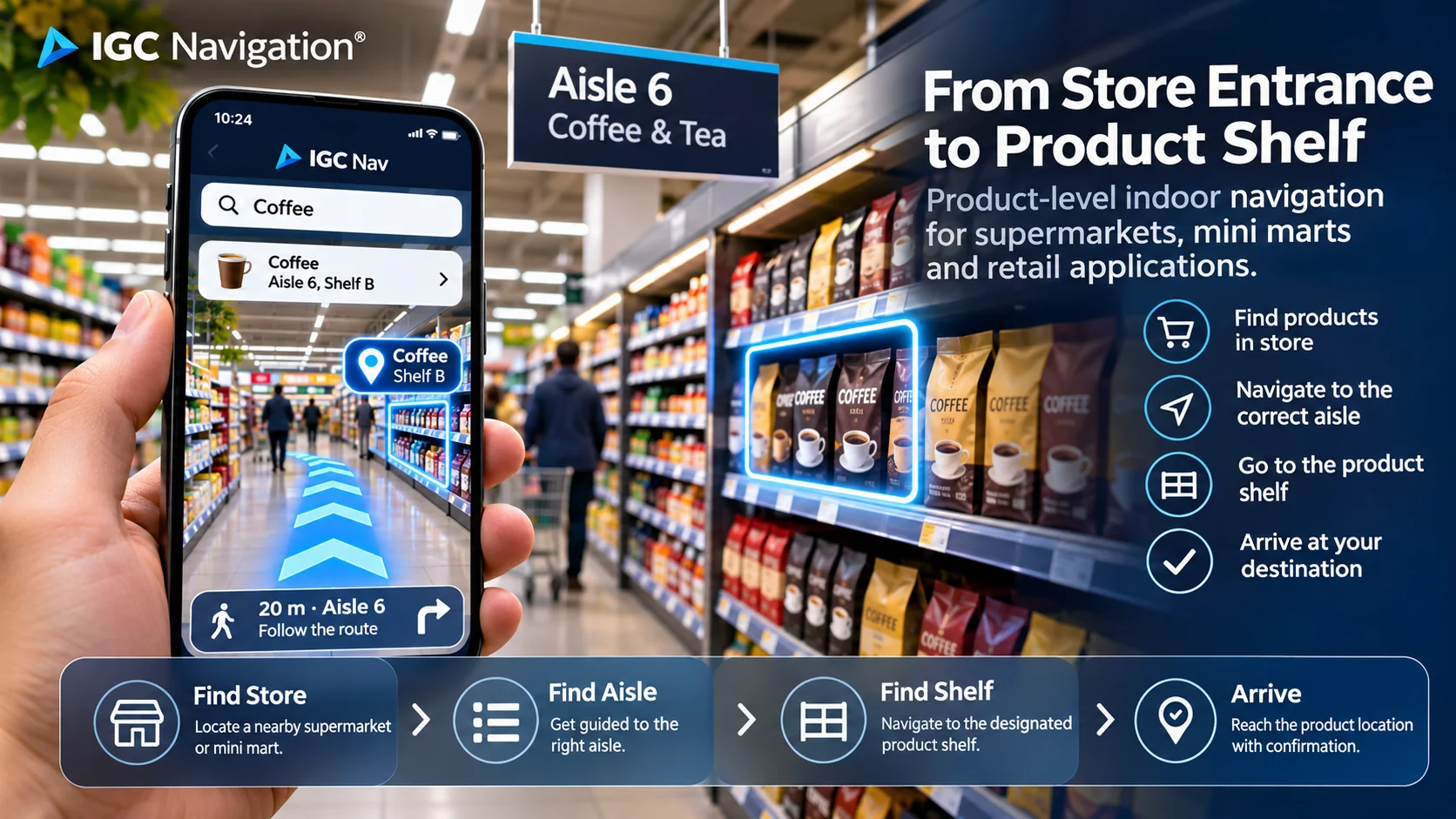
What is supermarket product-to-location mapping?
Product-to-location mapping is the process of associating a product identifier with a physical position within a particular store. A location might reference a department, aisle, bay, shelf or promotional display.
The location record is not the same as the product catalogue entry. The retailer may already maintain product IDs, product names, pricing and stock information, while the navigation application requires destination identifiers and navigable paths.
Start with a clear location hierarchy
A practical hierarchy may be store → floor → aisle → bay → shelf → navigation destination. This gives each product a meaningful physical context, even if the app initially guides only to the aisle.
For example, SKU COFFEE-001 may map to Store 14, Floor G, Aisle 6, Bay 3, Shelf B. The navigation destination could be a reusable shelf checkpoint near that location. This is an illustrative data model, not an IGC Navigation API specification.
Link catalogue SKUs to destination IDs
A retailer-side integration can hold a table connecting SKU or product variant to its active store location and destination ID. Searching for the product retrieves the matching destination; the shopping app then requests navigation toward it.
Multiple products may share one shelf destination, and one product may have multiple locations. An implementation should define how to choose a primary destination and handle out-of-stock or secondary-display cases.
Keep destinations reusable and maintainable
Fixed destination identifiers are useful because products move while store locations often remain recognisable. When a product changes aisle, a manager can update the association rather than rebuilding the entire customer experience.
An operational workflow needs ownership, update permissions, effective dates and validation after a layout change. Large chains may need store-specific mappings rather than assuming all branches share identical aisle numbering.
What retailers need to test before rollout
Pilot testing should include searching for real catalogue items, navigating across multiple aisles, checking the final shelf destination, and repeating the experience after a mapping update.
Track whether customers reach the mapped destination and whether route directions remain dependable. Test different phone models, temporary displays and cases where the product-location record is missing or stale. A visual AR arrival indicator is not, by itself, proof that an individual SKU has been detected.
Using an indoor navigation API in a supermarket app
An API-led approach separates the retailer's catalogue and store operations from navigation and guidance. The app can retain its own branding, shopping list, loyalty features and product search while accessing navigation functions as a distinct service.
IGC Navigation provides navigation tools for developers and is exploring retail applications including aisle and shelf finding. Review the developer documentation and contact IGC Navigation to discuss mapping, integrations and a realistic validation plan.
Explore retail navigation and developer resources
Read more about indoor navigation for supermarkets and retail stores, our supermarket navigation integration overview, and IGC Navigation’s shelf-level positioning work.
Developers can explore the navigation sandbox, indoor navigation API and technical documentation. Retail operators can contact IGC Navigation about custom retail development.