Indoor Navigation Without GPS: A Practical Developer Integration Checklist
GPS becomes unreliable inside shopping centres, hotels and multi-level buildings. For developers, indoor navigation is not just a map problem: the application must combine available positioning signals, manage uncertainty and handle floor transitions safely. Here is what to assess before choosing an API.
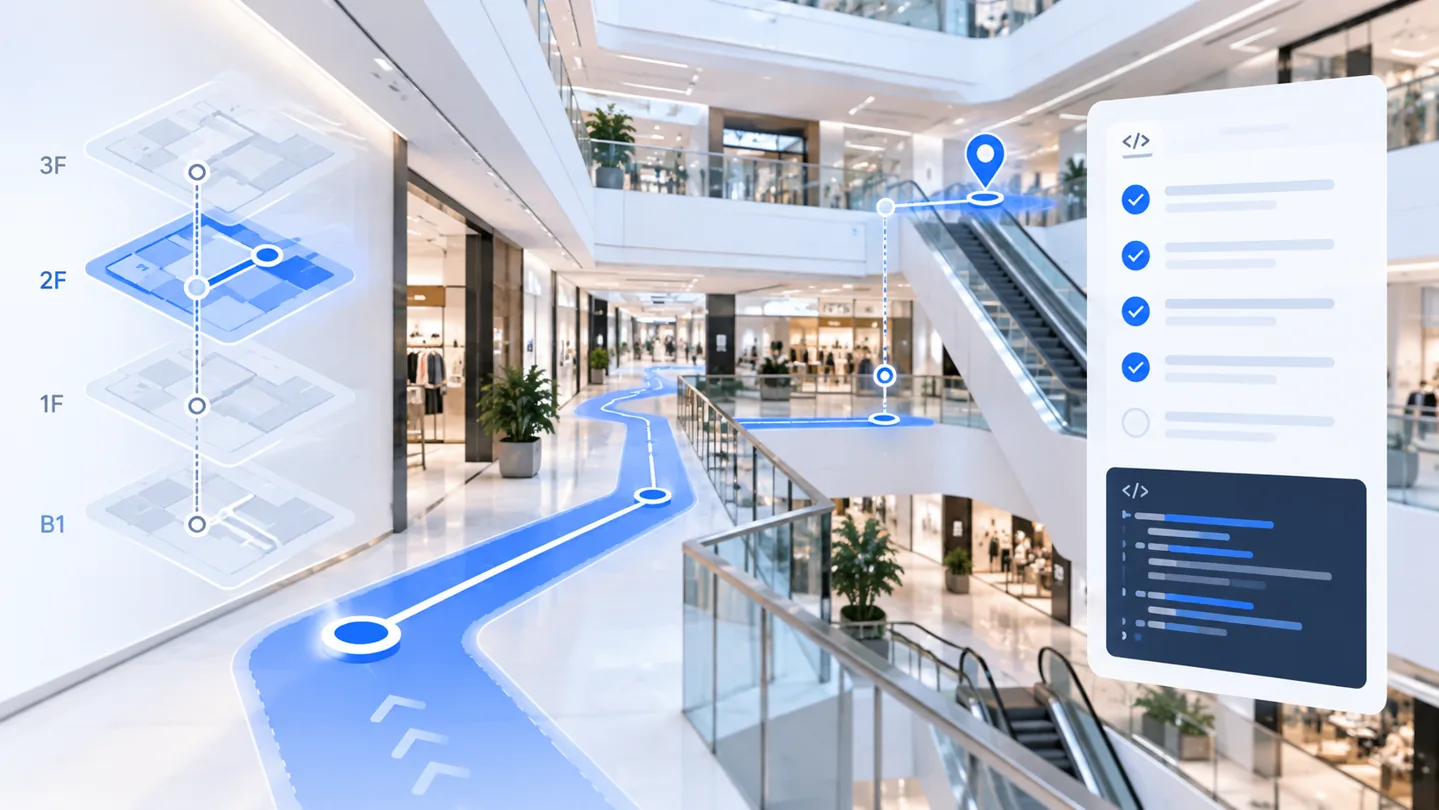
Why does GPS struggle inside buildings?
Satellite signals are weakened or reflected by roofs, concrete and glass. Even when a phone reports a latitude and longitude, the reported position may not distinguish nearby shops or building levels. A navigation interface must therefore account for measurement uncertainty instead of presenting every GPS result as a precise indoor position.
What can developers use instead of GPS indoors?
A practical indoor positioning design may combine several sources of information. Each has limitations and must be validated on the actual target devices:
- Accelerometer and gyroscope: help estimate walking movement and heading changes, but accumulated drift requires correction.
- Barometer: may provide relative pressure changes useful for detecting vertical movement, but availability and readings vary across devices.
- Camera-based landmarks: visual reference points or readable signage can help re-localise a device when permission, lighting and visibility permit.
- Map and route constraints: can restrict implausible movement when reliable building geometry is available.
- Outdoor GPS: can help initialise or recover positioning near building entrances, where satellite visibility is adequate.
Beacon-free deployments can use digital reference points, device testing, floor information and confidence checks to support navigation in real-world venues. Discuss your use case with IGC Navigation.
Indoor navigation API integration checklist
- Explore the IGC Navigation integration path. Review API documentation for authentication, supported operations and request formats, or contact our team about your application.
- Check on-device inputs. Decide which sensor, location and camera permissions the mobile application needs and whether each target phone supports them.
- Design around uncertainty. If the position or heading is not reliable, show a neutral state rather than a confidently wrong arrow.
- Handle floor transitions. Test elevators, stairs, escalators and buildings with irregular floor numbering.
- Protect credentials. Keep privileged API secrets on a trusted backend where required by the published authentication design.
- Measure usage. Review navigation API pricing and units before selecting an application update frequency.
How should you validate navigation in a real building?
Use representative routes rather than relying only on demonstrations. Test the same route on more than one device and include open areas, narrow corridors, floor changes and places where camera landmarks are temporarily unavailable. Record position error, route completion, heading stability, floor identification and recovery after a loss of confidence. Verify safe behaviour near restricted or hazardous boundaries.
For apps built with Flutter, React Native or native mobile toolkits, separate sensor access from server-side navigation operations. Read our cross-platform integration guide for framework-specific planning considerations and our Flutter navigation guide for Flutter-focused discussion.
Choosing a navigation API for your application
Compare the capabilities that are documented and demonstrable: device coverage, floor-change support, accuracy under real conditions, API usage limits, setup requirements and response handling. Treat any performance figure as deployment-dependent until validated.